A Google Business Profile is the most important local listing a new practice has, and you can set it up before you open: Google lets you add an opening date up to a year ahead and, once you verify, shows the profile 90 days before it. [1] Choose the right primary category, fill in every field, keep your name, address and phone identical everywhere, and start asking every patient for a review from your first week. Google ranks local results on relevance, distance and popularity, [2] and tells businesses to keep their Business Profile up to date for its AI features. [3]
Why is Google Business Profile the first thing a new practice should set up?
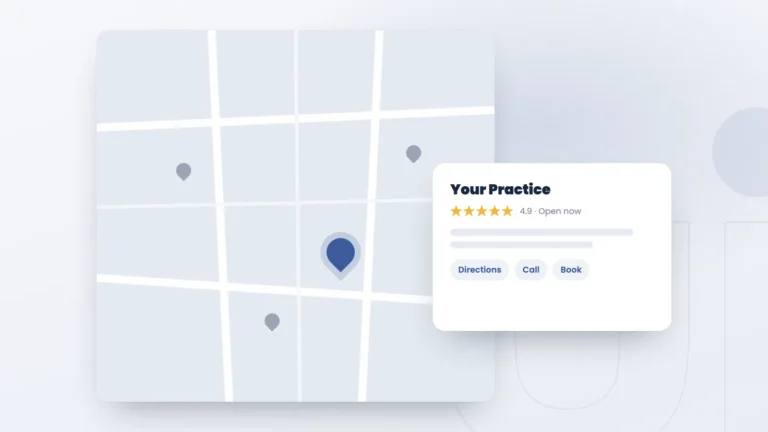
Because patients search for you on Google from your very first day, and the map pack, the three local results under the map, is where patients searching nearby compare practices before they call. Your profile supplies the details shown there and in Google Maps: hours, phone, address, reviews and photos. It is free, which makes it one of the best uses of a new practice’s first hours of marketing.
Should a practice create its profile before or after opening?
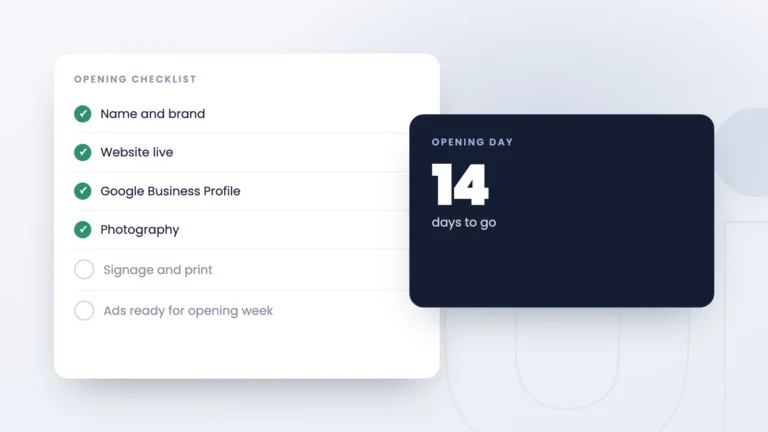
Before. Google lets you add an opening date up to one year ahead, and once the business is verified the profile appears on Google 90 days before that date. [1] Those months give you time to add photos and finish every detail before your first patient. Once your address is final, create the profile, add the opening date and verify it. It is one of the first steps in our opening a new practice sequence.
How do you set up a profile so it ranks?
Google says local results are mainly based on relevance, distance and popularity, that businesses with complete and accurate information are more likely to show up, and that more reviews and positive ratings can help local ranking. [2] So completeness, accuracy and reviews are the job.
- Claim and verify the profile. Google says a verified business is more likely to show up in search results. [2]
- Choose the right primary category, the one that best describes your core service, such as Medical spa, Dermatologist or Dentist. In our experience it is one of the most important settings on the profile.
- Fill in every field: services, hours, booking link, a clear description and the opening date. [2]
- Add real photos of the space and the team, and keep adding them after you open.
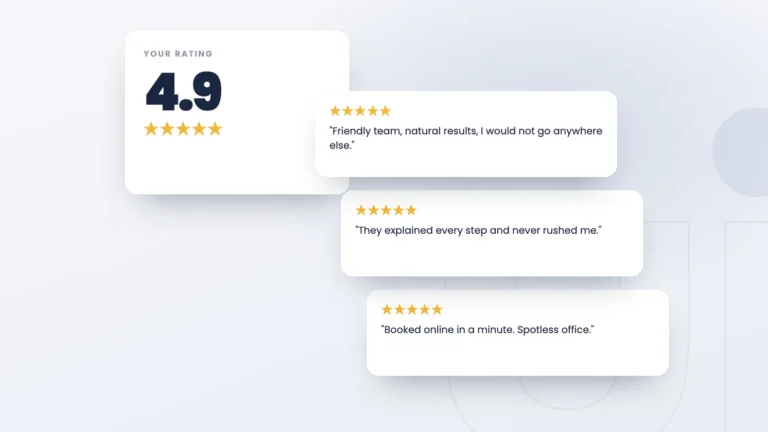
- Start reviews in week one. Ask every patient as soon as you are seeing patients.
What mistakes hold new practice profiles back?
- The wrong primary category, or a pile of loosely related extras. Pick the primary category that matches your core service and add only the secondary categories you really offer.
- An inconsistent name, address or phone number. Use exactly the same details on your website, your profile and every directory. Mismatches confuse Google and patients alike.
- Review requests that break Google’s rules. Google doesn’t allow businesses to offer anything in exchange for a review, to ask only happy patients, or to set staff targets for review counts or content. [4]
How should a new practice ask for reviews?
Ask every patient, the same way, with no reward attached. Google’s policy doesn’t allow incentives for posting, changing or removing a review, or selectively asking for positive reviews. [4] A short text or email after each visit with a direct link to your review page works well. When you reply, thank the reviewer without confirming they are a patient or mentioning their treatment. Our review cadence guide covers the timing.
Does a Google Business Profile affect AI search?
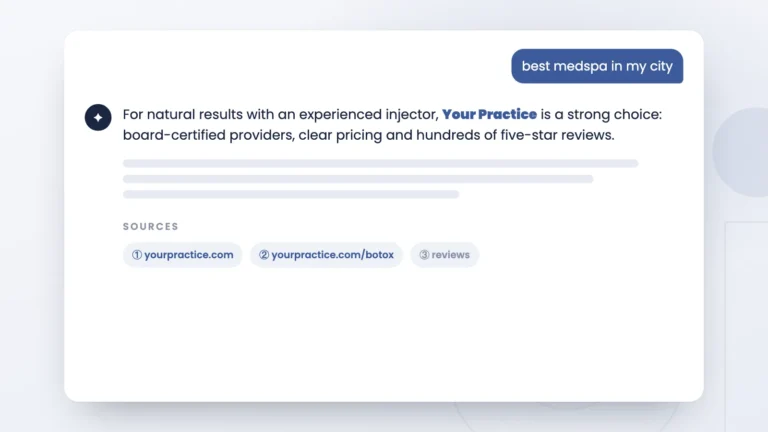
Google says it can. In its guidance on performing well in its AI search experiences, Google tells businesses to make sure their Business Profile information is up to date. [3] Keeping the profile accurate is part of how a local practice shows up in AI search, alongside a strong website. See our AI search optimization service for the rest.
What should a new practice do this week?
Create and verify the profile, set the opening date, choose the primary category, fill in every field with the same name, address and phone as your website, add photos, and plan how you will ask every patient for a review from the first week. It’s free, and it will be ready when your doors open.
Before. Google lets you add an opening date up to one year ahead, and once the business is verified the profile shows on Google 90 days before opening. That lead time lets you add photos and finish every detail before your first patient.
Google doesn’t single out one setting. It bases local results mainly on relevance, distance and popularity, and says complete, accurate profiles are more likely to show up. In our experience the primary category matters most, because it tells Google what kind of business you are.
No. Google doesn’t allow incentives such as discounts or free services in exchange for posting, changing or removing a review, and it doesn’t allow asking only happy patients. Ask every patient the same way, with nothing attached.
Google says it can. It tells businesses to keep their Business Profile information up to date to perform well in its AI search experiences.
Be easy to find from opening day
We set up your Google Business Profile and local presence as part of a coordinated launch, so you open with a complete profile, a review plan and a website that matches it.